Dragon Arena Dragons: Elements, Stars and Index
Identify recorded Dragon Arena dragons, read their stars, levels and element icons, and compare Basic Index entries with Comet Dragon.
Dragon Arena Dragons: Elements, Stars and Index
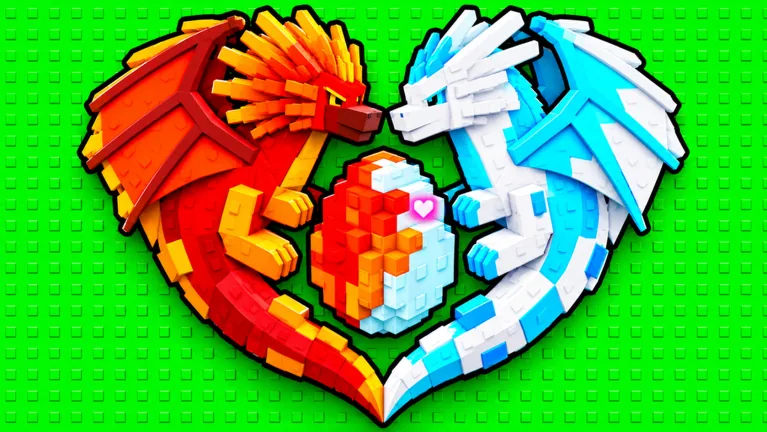
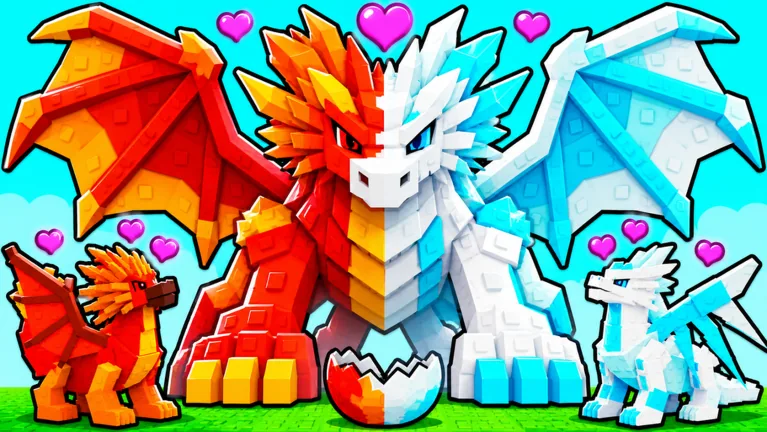
Dragon Arena’s dragons include Blaze Dragon, Icicle Dragon, Rock Dragon, Tide Dragon and Comet Dragon, according to Roblox Games Wiki. Its guides list Fire, Water, Rock and Ice as elements, while the fan site Dragon Arena Wiki lists Earth rather than Rock. To read a dragon correctly, check its Index entry and distinguish its star rating, current level and element icons.
Quick reference
| Player task | What to check |
|---|---|
| Compare element names | Roblox Games Wiki uses Rock; Dragon Arena Wiki uses Earth. Both list Fire, Water and Ice. |
| Read a dragon’s labels | Stars show its visible rating, level shows its current level, and element icons identify its elements. |
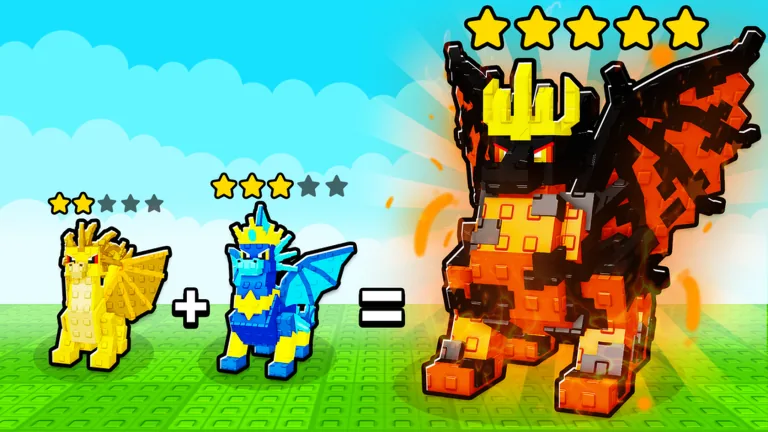
| Preview a breeding pair | Use the heart button, select two dragons on the plot and check possible offspring beside Breed. |
| Earn coins through combat | The developer’s description says dragons fight mobs and bosses for coins and continue fighting offline. |
Which elemental dragon types can you collect?
Fire, Water, Rock and Ice are the elements listed by Roblox Games Wiki, while Dragon Arena Wiki uses Fire, Water, Earth and Ice.
The guides differ on whether they list Rock or Earth. Keep that wording in mind when comparing guides with the labels shown in your game.
The developer’s description confirms that players hatch elemental dragons, breed dragons to discover new ones and seek unique five-star dragons. It also says dragons fight mobs and bosses for coins and continue fighting offline.
Which dragons appear in the Basic Index?
Blaze Dragon, Icicle Dragon, Rock Dragon and Tide Dragon appear in the Basic Index row shown in Roblox Games Wiki’s dragons and breeding guide. The guide separately shows Comet Dragon on a plot nameplate.
According to Roblox Games Wiki’s account of Berlian kecil’s November 19, 2026 recording, these five entries appear as follows. This is a selection shown in the recording, not a complete dragon roster.
| Dragon | Where shown | Stars shown | Level shown | Element icons shown | Recording time |
|---|---|---|---|---|---|
| Blaze Dragon | Basic Index | Not specified | Not specified | Not specified | 09:00 |
| Icicle Dragon | Basic Index | Not specified | Not specified | Not specified | 09:00 |
| Rock Dragon | Basic Index | Not specified | Not specified | Not specified | 09:00 |
| Tide Dragon | Basic Index and separate plot nameplate | 1 on the nameplate | 1 on the nameplate | Water droplet | 09:00 Index; 05:45 nameplate |
| Comet Dragon | Separate plot nameplate | 2 | Not specified | Ice and Fire | 08:15 |
According to Roblox Games Wiki, you can open Index from your plot and inspect the Basic row to compare discoveries. Undiscovered entries appear as silhouettes in the recording.
How do stars, levels and element icons differ?
Stars show the visible rating, level shows the dragon’s current level, and element icons identify its elements, according to Roblox Games Wiki. Read all three before deciding whether to change your fighting team.
The guide’s Tide Dragon example shows why these labels should be read separately: that specimen has one star, is level 1 and carries a Water icon. Its Comet Dragon example has two stars and both Ice and Fire icons. These observations describe the recorded specimens; they do not establish every possible version of either dragon.
Roblox Games Wiki also cautions that an element icon does not establish a damage bonus. Likewise, Comet’s Ice and Fire icons do not reveal which parents produced it.
For a targeted discovery, Roblox Games Wiki recommends using the heart button at the bottom of the screen, selecting two dragons on the plot and checking the possible offspring beside Breed. Compare those outcomes with your Index, then change one parent and reread the preview before committing. The displayed possibilities help you evaluate that pairing; they do not establish a guaranteed recipe or hatch probability.
Related Guides
How to Breed Dragons
Use the heart button to select two dragons, inspect possible offspring, and compare pairings before spending on a breeding attempt.
Beginner Guide: What to Do First
Start the game with a practical first-session plan: claim the group egg, fill your plot, fight waves, and spend coins on your next bottleneck.
Breeding Luck Upgrades vs Lucky Field
Compare the prices, luck multipliers and duration of permanent breeding-luck upgrades and the single-use Lucky Field boost, according to Roblox Games Wiki.